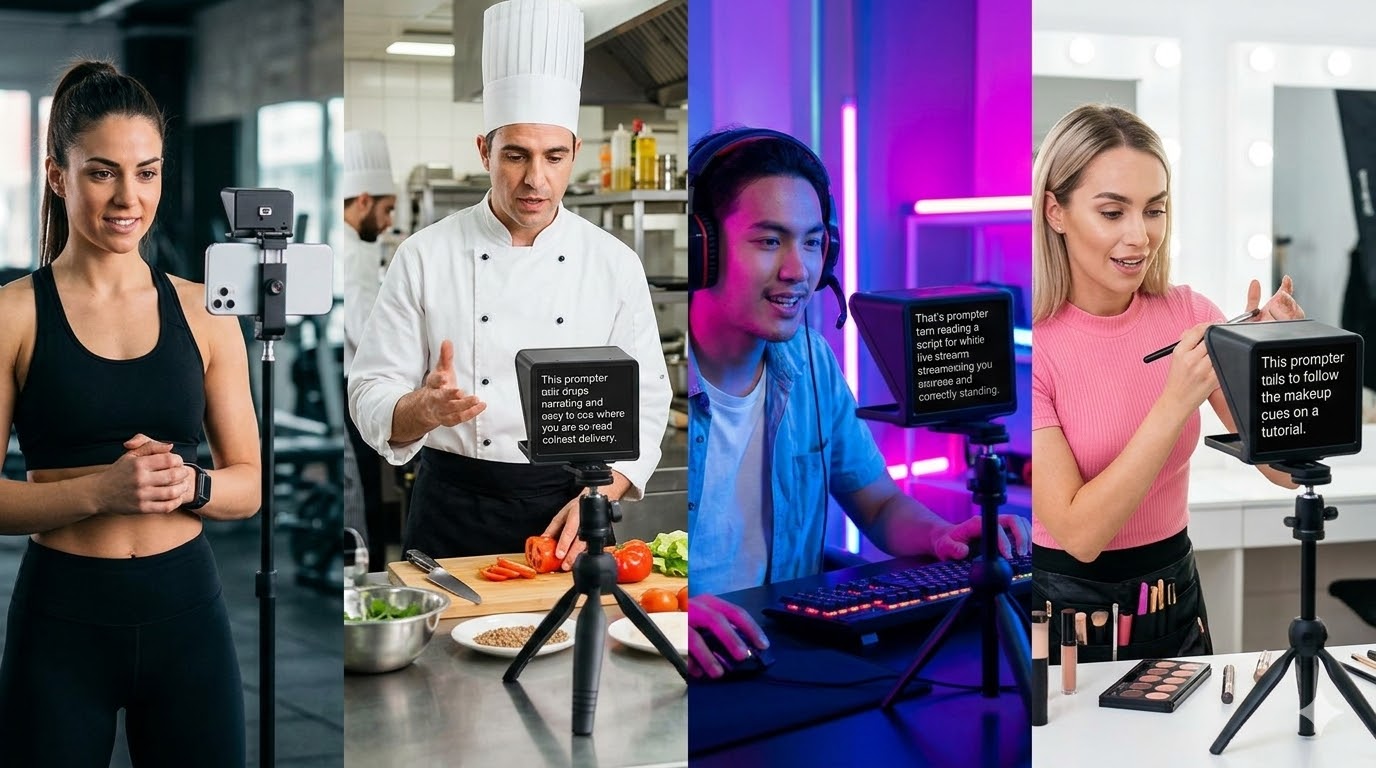
Record While You Read
UniqueCamera + Teleprompter in One
Record yourself directly in the browser while the script scrolls. No third-party recorder needed. Your take, your words, your delivery — all captured in one session.
Learn more →Record while you read. Overlay your script on Zoom. Control from any device via QR. Voice scroll. Stage monitor. Live cues.
SyncedCue is a free browser teleprompter — no download, no signup, no credit card. It runs on any device including Android, iPhone, iPad, Chromebook, and Windows. Built-in recording, Zoom background overlay, voice-activated scroll, and QR device sync make it the most capable free teleprompter online.
Free Browser Teleprompter — Explained
A free browser teleprompter is a teleprompter that runs entirely in your web browser — no app, no download, no installation. You open the website, paste or choose a script, and it scrolls while you read and optionally record. SyncedCue is the most feature-complete free browser teleprompter available, adding recording, Zoom integration, and live event tools that other free tools charge for.
Android, iPhone, iPad, Chromebook, Windows, and Mac — a browser teleprompter works the same everywhere with zero setup.
No app updates to manage. Every improvement to SyncedCue is live the next time you open a tab.
QR sync uses your local network. Scripts are never sent to a server. A browser teleprompter with real privacy.
Why SyncedCue is Different
No download. No credit card. Works on Android, iPhone, tablet, and desktop. More features than any other free teleprompter — including voice scroll, script templates, Zoom background overlay, and QR device sync.
9 Features No Other Free Teleprompter Has
Most teleprompters scroll text and stop there. SyncedCue is a complete free browser teleprompter and production tool — recording, Zoom overlay, remote control, cues, and more, all in your browser.
Camera + Teleprompter in One
Record yourself directly in the browser while the script scrolls. No third-party recorder needed. Your take, your words, your delivery — all captured in one session.
Learn more →Script Behind Your Face on Camera
Run your script as a Zoom virtual background overlay so you read directly to camera during live calls. Look prepared without looking like you're reading.
Learn more →Instant Secure Multi-Device Connect
Scan a QR code to connect any device on your local network. No cloud accounts, no internet required for sync — completely private and instant.
Learn more →Control From Any Device
Let a director, producer, or assistant control your scroll speed remotely from their device. Perfect for studio setups, live events, and broadcast.
Confidence Monitor Built-In
Dedicated stage monitor display for live events — large font, high-contrast, color-coded timing cues. Works on any screen without extra hardware.
Learn more →Director to Talent, Real-Time
Send live cues and messages from any connected device directly to the reader's screen. "Slow down", "Wrap up", custom cues — all without interrupting the take.
Learn more →Hands-Free, Pace-Matched
The teleprompter listens to your voice and scrolls at your natural speaking pace automatically. No hands, no foot pedal, no remote needed.
Always Know Your Time
Built-in countdown timer runs alongside your script. Know exactly how much time is left before you go over — essential for pitches, talks, and broadcast.
Works With Any Rig
Full mirror flip for hardware teleprompter rigs. Horizontal and vertical flip so your setup works whether you're using a beam splitter, tablet, or phone.
Free Teleprompter Comparison
Every tool below offers a free tier. SyncedCue is the only one that keeps its most powerful features — recording, Zoom overlay, and remote control — available on the free plan or as a single-day purchase with no subscription.
| Feature | SyncedCue | Speakflow | TM Mirror | VEED |
|---|---|---|---|---|
| Completely free core use | ✓ | ✓ | ✓ | ✗ |
| Browser-based, no download | ✓ | ✓ | ✓ | ✓ |
| Built-in video recording | ✓ | ✗ | ✗ | ✓ |
| Voice-activated scroll | ✓ | ✓ | ✓ | ✗ |
| Zoom background overlay | ✓ | ✗ | ✗ | ✗ |
| QR code device sync | ✓ | ✗ | ✗ | ✗ |
| Remote scroll control | ✓ | ✓ | ✗ | ✗ |
| Stage monitor / live event mode | ✓ | ✗ | ✗ | ✗ |
| Live cue messaging | ✓ | ✗ | ✗ | ✗ |
| Script template library | ✓ | ✗ | ✗ | ✗ |
| No signup required | ✓ | ✗ | ✓ | ✗ |
| Day pass (no subscription) | ✓ | ✗ | ✗ | ✗ |
Every Device
No download means no compatibility issues. SyncedCue is a free teleprompter for Android, iPhone, iPad, Chromebook, Windows, and Mac — all from the same browser tab.
Android
Chrome on any Android phone or tablet — no app install.
iPhone
Safari on iOS 14+. Full voice scroll and QR sync.
iPad
Large-screen display mode — perfect for a desk teleprompter.
Chromebook
Runs natively in Chrome. No Linux container needed.
Windows PC
Any modern browser — Chrome, Edge, Firefox.
Mac
Safari and Chrome both supported. No download.
Script Templates
Every template includes [brackets] you replace with your real details. Pick a template, customise, and deliver — using the free browser teleprompter in the same tab.
Who Uses SyncedCue
How It Works
Choose a template
Pick from teleprompter scripts across interviews, pitches, keynotes, TikTok, YouTube, podcasts, and more.
Customize the placeholders
Replace [brackets] with your real name, company, and numbers. Takes under 2 minutes.
Choose your mode
Enable recording, Zoom background, voice scroll, or connect your phone via QR for remote control.
Deliver
Hit play. Script scrolls at your pace. Camera rolling. You're ready.
FAQ
SyncedCue is the only browser-based teleprompter with built-in recording, Zoom background overlay, QR code local-network sync, remote scroll control, live cue messaging, voice-activated scroll, stage monitor view, and stage timer. No app download required.
Yes. SyncedCue has built-in browser recording. Your webcam captures while the script scrolls, all in the same tab.
SyncedCue renders your script as a virtual camera overlay in Zoom, Teams, and Meet. Your script is visible on your monitor but participants see your background, not the text.
Scan the QR code on any device on your local network to instantly connect it to your SyncedCue session. No cloud accounts or internet required for sync.
Yes. The free plan includes script templates and the core teleprompter with no credit card required. Pro ($79/year) or Day Pass ($4.99 for 24 hours) unlocks recording, Zoom background, remote scroll, cue messaging, stage monitor, stage timer, and voice scroll.
No download required. SyncedCue runs entirely in your web browser on any device including phone, tablet, laptop, and desktop.
SyncedCue is the best free teleprompter for Chrome. It runs entirely in your Chrome browser with no extension or download. Open the site, paste your script, and start reading in seconds. It also works in Firefox, Safari, and Edge.
Yes. SyncedCue is fully optimised for Android browsers. Open syncedcue.com in Chrome on any Android phone or tablet — no app install needed. Voice scroll, remote control via QR, and recording all work on Android.
A browser teleprompter runs directly in your web browser — Chrome, Safari, Firefox — with no installation. App teleprompters require you to download software to each device. A browser teleprompter like SyncedCue works on every device instantly, receives automatic updates, and never takes up storage space on your phone or computer.
Yes. SyncedCue is widely used for YouTube recording. The built-in camera recording lets you film yourself while reading, and the voice-activated scroll keeps pace with your natural delivery. The result looks like you memorised your script.
Get Started
Free to start. Day pass $4.99 for 24 hours. No subscription needed.