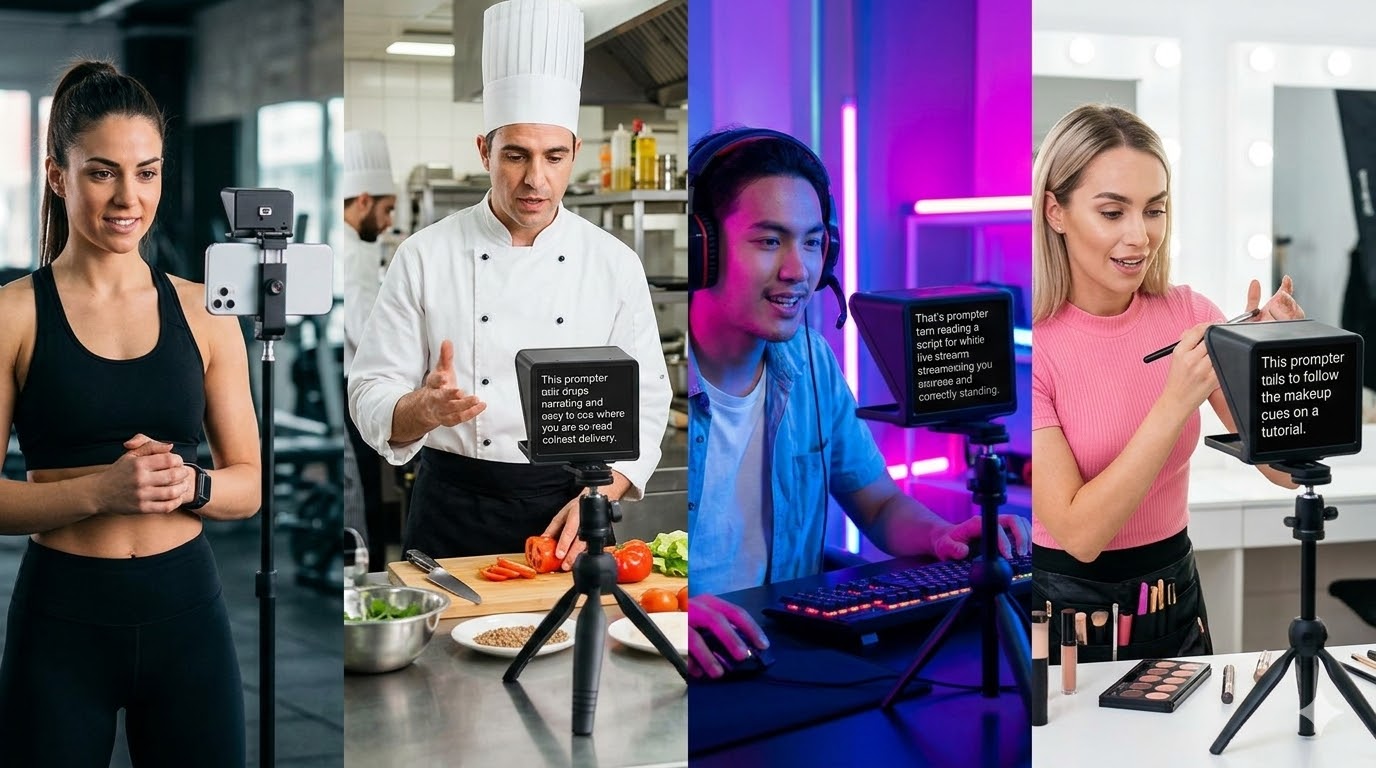
TikTok viewers are fast. If your delivery feels scripted for even a second, they scroll past. Here is how to use a teleprompter and still sound completely natural.
Practical tips for using a teleprompter on TikTok covering scroll speed, eye contact, font sizing, and writing scripts that sound natural for short-form video.
Why TikTok Is Different
On YouTube, viewers follow a presenter for 10 minutes. On TikTok, you have roughly 2 seconds to hook someone before they swipe. Every word needs to earn its place and your delivery needs to feel spontaneous even when scripted.
Scroll Speed: Go Faster Than You Think
Most creators who sound stiff on TikTok are scrolling too slowly. Start at 160 WPM and adjust. Record a 30-second test and watch it back — the right speed feels almost uncomfortably fast when reading it.
Eye-Line: Keep It Close to the Lens
On a phone, the front camera is at the top of the screen. Your teleprompter needs to be as close to that camera as possible. Avoid reading from a laptop screen while recording on your phone — the angle is too wide and viewers will notice your eyes tracking left and right.
Write for TikTok, Not for Essays
Short sentences. One idea per line. No filler. TikTok scripts should read like punchy spoken sentences.
Frequently Asked Questions
Can you use a teleprompter for TikTok?
Yes. A browser-based teleprompter like SyncedCue works on any phone or tablet, making it easy to scroll your script while recording TikTok videos.
How do I stop looking like I am reading on TikTok?
Use a faster scroll speed, write shorter punchy sentences, and position the teleprompter directly below your front camera.
What font size should I use for TikTok teleprompter?
Large enough to read comfortably at arm length without leaning in. Start at 48-60px and adjust. If you are squinting, go bigger.