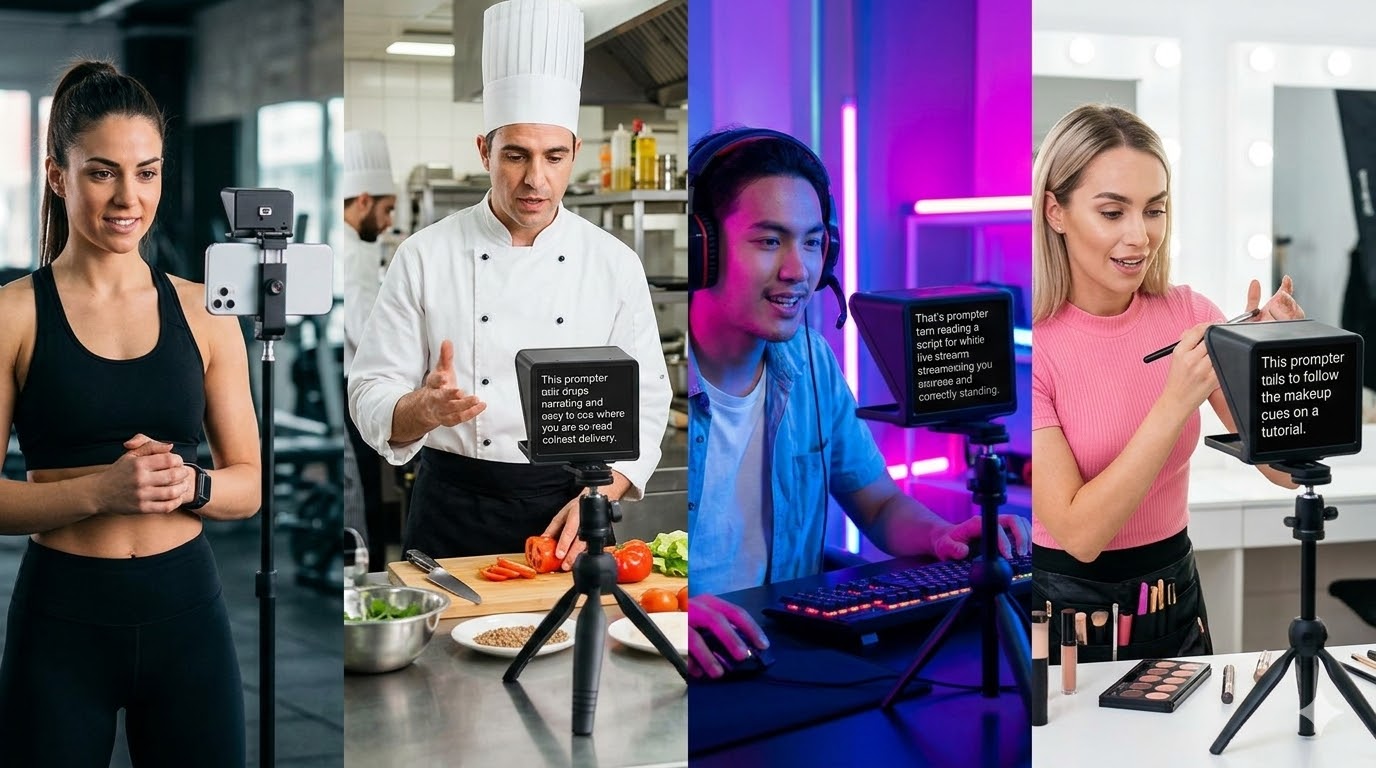
The Three Types of YouTube Teleprompter
Not all teleprompters are the same. Match the type to how you actually record.
Opens in Chrome or Safari. No download. SyncedCue adds built-in recording so you capture video in the same tab as your script. Best for desk setups.
Apps like PromptSmart run on iPhone or iPad propped next to your camera. Good for phone recording but most decent features are paywalled.
A physical beam-splitter glass rig mounts in front of your lens. Professional broadcast quality but expensive and slow to set up.
Getting Scroll Speed Right
Wrong scroll speed is the number one reason teleprompter use looks obvious. Too fast and you rush. Too slow and you pause and drift.
Record a 60-second test clip, watch it back, and ask whether your pacing sounds natural. Adjust speed by 5 WPM at a time until it does. Use the SyncedCue speed tester to measure your natural reading pace first.
Eye Contact Is Everything
The angle between your eyes, the script, and the camera lens determines whether viewers feel looked at or looked past. For browser-based teleprompters on a laptop: position the script window directly under your webcam. Smaller angle equals better eye contact.
Write Scripts That Sound Natural
Short sentences, active voice, read every line aloud as you write it. Use the SyncedCue script templates as starting points — they are formatted for teleprompter delivery with natural pacing built in.